
Returning users often want a quick way to reach their account without going through the registration process again. The 11winner login page is intended for existing account holders who need to sign in and continue browsing the features available through the platform.
A smooth login experience starts with using the correct website, entering the right credentials, and keeping account information private.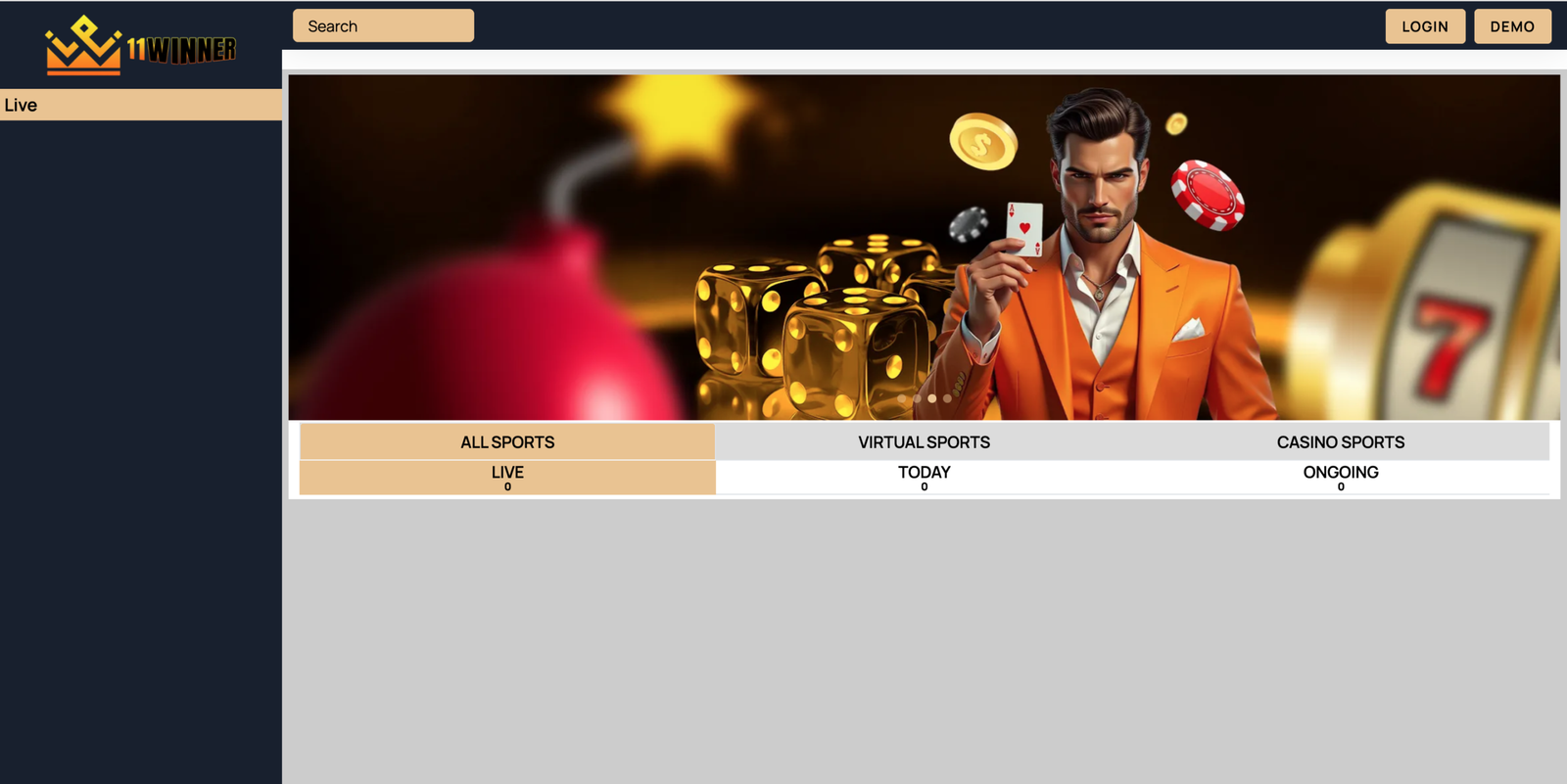
Start With Your Existing Account
The login section is primarily for users who have already completed account registration. Before entering any details, confirm that you are on the correct 11Winner website and that your internet connection is stable.
If you are a new visitor without an account, review the 11Winner Registration page first. Creating an account with accurate information can make future account management easier.
Prepare Your Credentials
Having the correct login information ready can prevent unnecessary sign-in errors. Depending on the current website setup, users may be asked for a username, login ID, email address, or password.
Check Before Submitting
Take a moment to review the information you have entered. Common login problems can occur because of:
- Incorrect username or login ID
- Typing mistakes in the password
- Incorrect capitalization
- Unstable internet connection
- Browser-related issues
- Using outdated saved credentials
If an error appears, correct the information rather than repeatedly submitting the same incorrect details.
Keep Your Login Information Private
Your account credentials should remain confidential. Do not send your password to another person through email, social media, messaging apps, or other communication channels.
Be careful when using a shared computer. If you sign in from a public or shared device, avoid saving your credentials in the browser and remember to sign out after finishing your session.
Use a Secure Device
For regular account access, use a device that you control and keep its operating system and browser updated. Basic security practices can reduce avoidable risks when managing an online account.
Forgot Your Password?
A forgotten password can prevent successful access even when your login ID is correct. If this happens, avoid guessing repeatedly.
Instead, visit the 11Winner Login ID Password Change or Reset page to review the available account-recovery guidance. Follow the instructions provided through the appropriate recovery process.
Never provide your existing password to anyone claiming that they can restore your account.
Accessing 11Winner From Mobile
Many users prefer smartphones because they can browse websites without being tied to a desktop computer. If mobile access is supported, make sure your phone has a reliable connection and sufficient storage for any required application.
The 11Winner App page provides additional information about mobile access and installation considerations.
Before installing an application, verify the source and avoid unknown download files.
What to Do When Login Does Not Work
Not every sign-in problem is related to the password. Browser cache, connectivity issues, temporary technical problems, or an incorrect login ID can also prevent access.
Try basic troubleshooting first:
- Check your internet connection.
- Confirm your login credentials.
- Refresh or reopen the browser.
- Try an updated browser.
- Use the appropriate password-recovery option if necessary.
If the issue continues, avoid sharing sensitive credentials while seeking assistance.
Contact Support When Necessary
If you cannot resolve an account-access problem through the available guidance, visit 11Winner Contact Us to find relevant support information.
When contacting support, describe the problem clearly and mention whether you are using a desktop or mobile device. Do not include your password, verification codes, or other confidential information in the message.
Make Secure Login a Habit
The 11winner login process is straightforward when your account details are accurate and properly protected. Keeping credentials private, using secure devices, and following the correct recovery procedure can help avoid common access problems.
Always verify the website before entering account information and use trusted support channels whenever additional assistance is required.Table of Contents